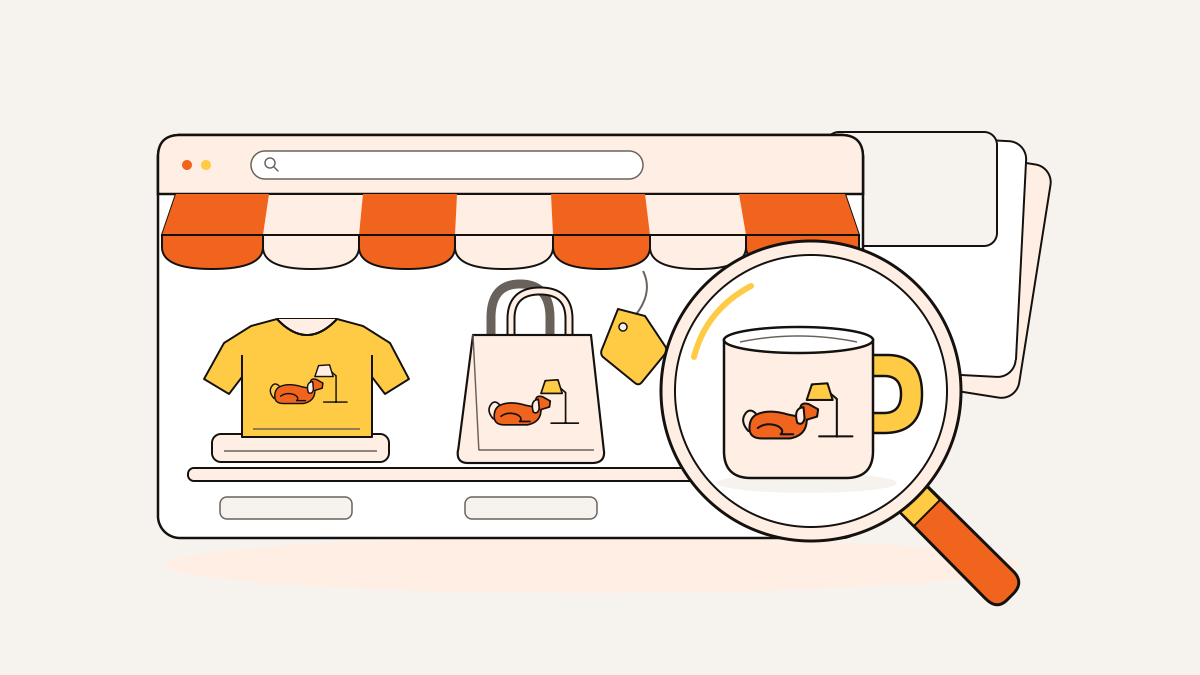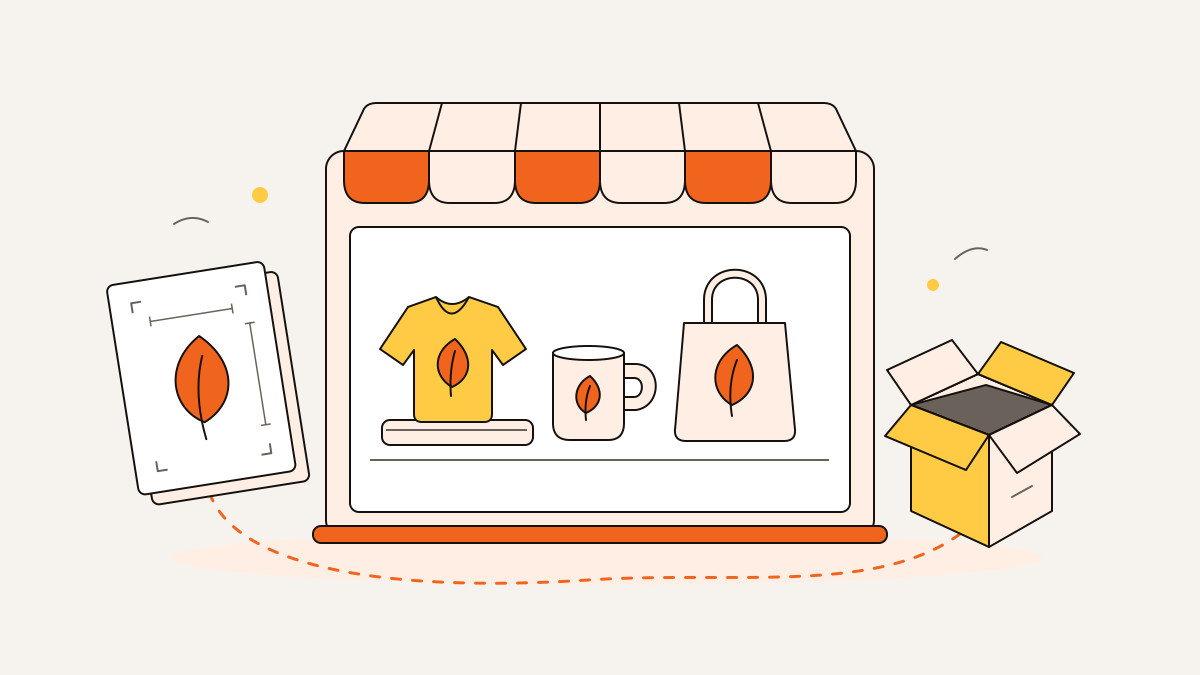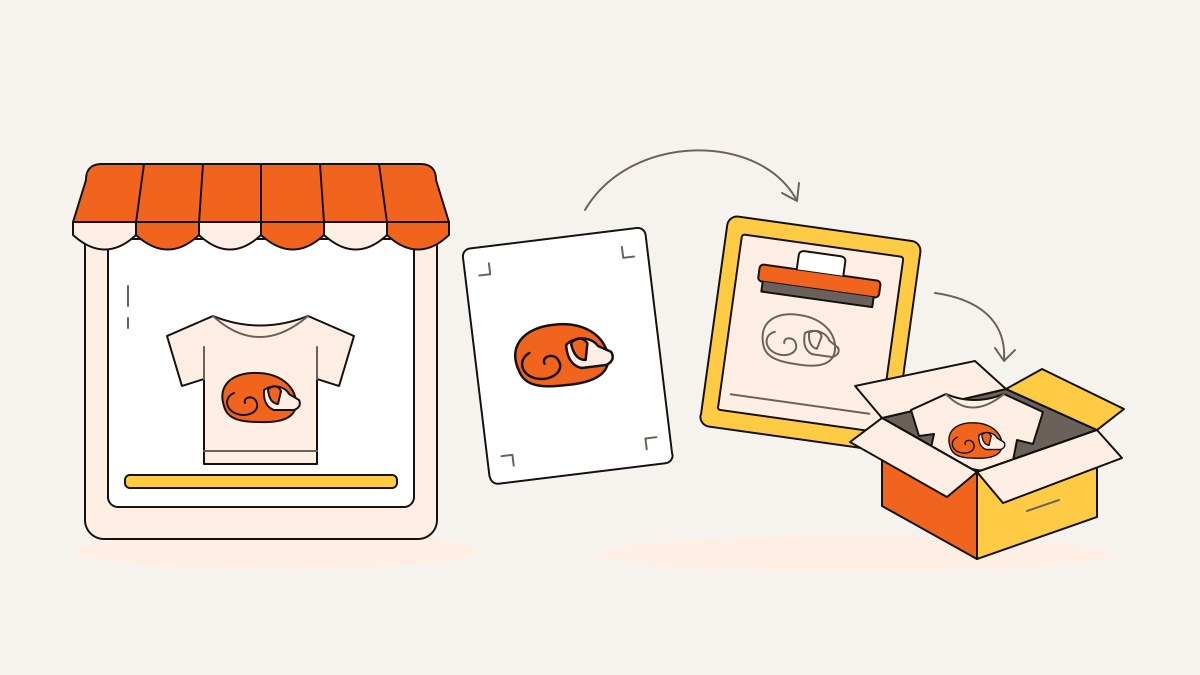
You can sell print-on-demand products on Etsy using your original designs or a buyer’s custom changes. You’re still responsible for the listing and customer service.
Start with one product, choose its supplier, and connect that supplier to your shop. Before publishing, check the order settings so orders reach the supplier correctly.
Say you sell a pet-lover shirt: follow it from artwork to order. Along the way, check billing and variants, the choices such as size and color. These checks help prevent avoidable printing and shipping problems.
What Etsy allows—and what you still handle
You handle the design; your production partner handles printing, packing, and shipping. Etsy defines a production partner as an outside company or person who makes a physical item from your original design.
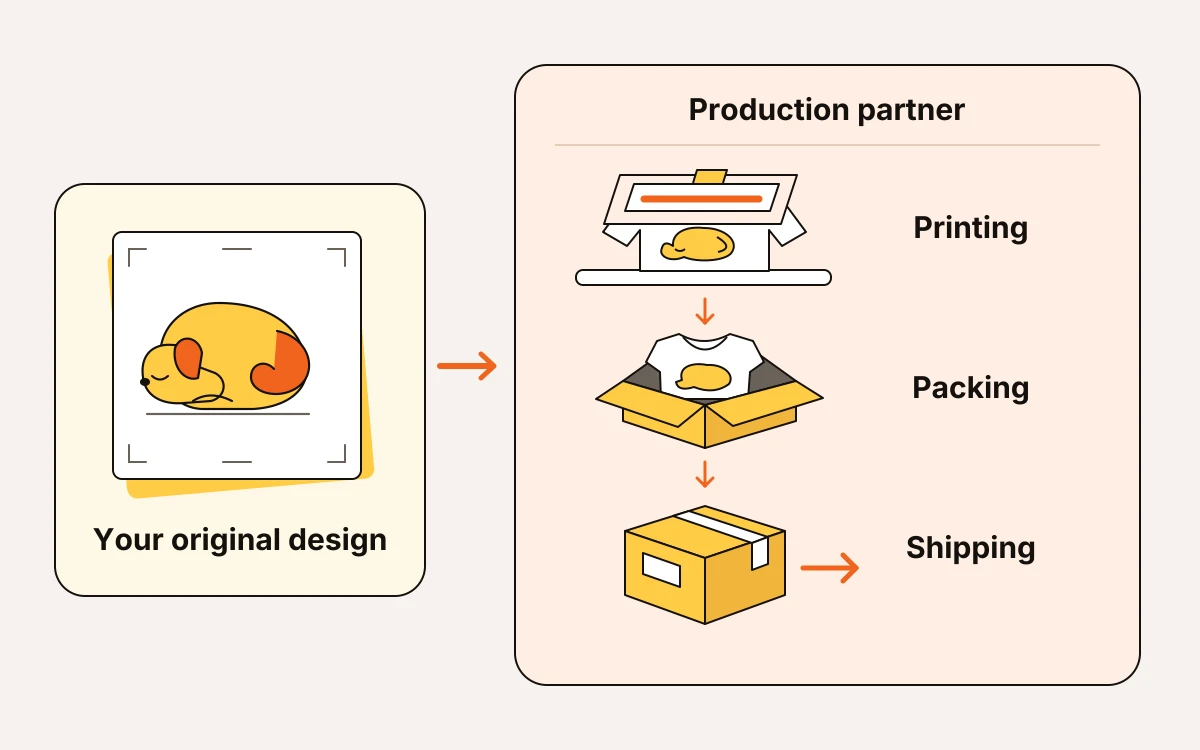
The work must be your original artwork or include a buyer’s custom changes to qualify for print on demand. Someone else can run the printer. Buying wholesale shirts already on the market and presenting them as your own work doesn’t qualify.
Before you publish, make sure you’ve covered your part of the job:
- Name the production partner on each listing where you use them. Connecting a supplier to your shop doesn’t replace this step.
- You’re responsible for making sure your listing is accurate. That includes the product description, options, photos, and what buyers can expect for delivery.
- You answer buyer messages and handle refunds and delivery problems. If a package arrives damaged, you work with the supplier and keep the buyer informed.
For the pet-lover shirt, use your own drawing of a sleepy dog. The supplier can print and ship it. If the print arrives damaged, the buyer contacts your shop. You handle the problem with the printer’s support team.
Etsy publishes its current requirements in its Creativity Standards and production-partner guidance. Check those to see whether your product qualifies and how to name who makes it.
Choose a supplier around your product and buyers
For the sleepy-dog shirt, compare individual print-on-demand suppliers. Choose based on your product and where your buyers live, ahead of the supplier’s catalog size.
If you’re still choosing a product, start with How to Find a Profitable Etsy Niche for Print on Demand before comparing suppliers.
- On a print-on-demand supplier marketplace, compare individual providers as well as products. Shipping costs and delivery estimates vary by provider. For each option, you’ll need costs and expected delivery times to your buyers’ locations.
- Compare how each supplier puts the design onto the product. For the sleepy-dog shirt, check whether printing preserves the drawing’s fine lines before choosing the shirt.
- If you plan to sell across different regions, check product availability in each. You’ll also need delivery estimates for those locations.
- For artwork prints, choose the format that suits how you want your artwork to look on display.
Before committing, order a sample of the exact product you plan to list. You can check the print quality, feel the material, and see whether the packaging protects it. Compare the actual shipping time with the time the supplier gave you. For the sleepy-dog shirt, look closely at whether the drawing’s fine lines survive printing. The fabric should also feel like something you’d be comfortable describing to a buyer.
Connect your shop and set realistic processing times
From your supplier’s dashboard, choose its Etsy connection and sign in to the correct Etsy shop. Authorize the supplier’s integration to access that shop. Then check how orders move from payment to shipment.
Set up the connection with these steps:
- Confirm which payment method the supplier charges and when. That charge is separate from your Etsy Payments payout, the money Etsy sends you. You’ll need funds to pay the supplier before that payout arrives.
- Check whether orders sent to the supplier start production automatically or wait for your approval. Start by approving orders yourself while you check the setup. Include that review time in your processing time.
- Match every Etsy size and color to the right supplier variant. The supplier must be able to make every option a buyer can select.
- Check whether tracking updates reach Etsy automatically and where failed updates appear. If tracking doesn’t transfer, you’ll need to update the order yourself.
- Add your production partner’s details in Etsy and link the partner to each listing they make.
Processing time covers the work before you hand the order to the carrier. Shipping transit time is the time the package spends traveling afterward. Set your processing time using the supplier’s current estimate for making the item. Include the time you take to approve the order. If production slows, update the affected listings so buyers aren’t relying on the old promise.
The shipping origin, where the package ships from, should match the supplier’s shipping location. Don’t use your home address. Your supplier may send orders to different facilities. Before publishing, confirm how its Etsy connection handles the shipping origin and shipping estimates.
For the sleepy-dog shirt, a different print provider can mean a different shipping origin and delivery schedule.
Build a pet-lover shirt listing from artwork to order
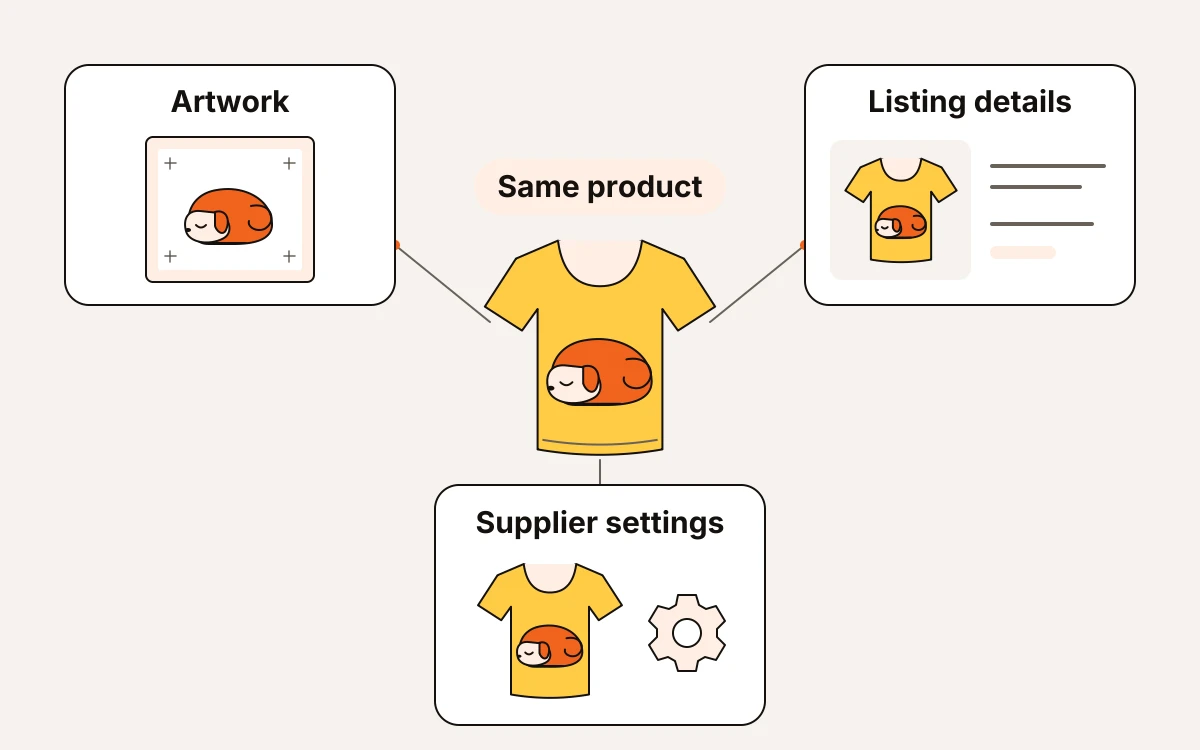
Your sleepy-dog shirt is ready to publish when the artwork, listing details, and supplier settings match. They should all describe the same product. Here’s how to line up those pieces.
Prepare the artwork and product details
Start with your chosen provider’s template for that exact shirt and print location. Check its printing options before saving your artwork as a print file.
Use eMarketInsight’s free DPI checker to check your file’s resolution, or image detail, at the intended print size. Compare it with the supplier’s file requirements. If the file falls short, fix the artwork before making mockups, the images that show your design on a shirt. Save it as a transparent-background PNG if the product accepts that file format.
Use this title:
Dog Walking Club Shirt, Illustrated Cotton Tee for Dog Lovers.
Confirm that the selected blank, the unprinted shirt, is cotton before using that wording. Your description should name the shirt’s material, fit, available colors, and sizes. Include where the design is printed and how to care for the shirt.
For the images, follow Print on Demand Product Photos: Mockups, Scenes and Print Files. Show the sleepy-dog illustration at the size it will appear on the shirt. Every pictured shirt color should be available. For search wording, use the existing titles-and-tags guidance. You don’t need to rebuild your keyword process here.
Check what each shirt sale leaves
These figures are estimates: a $32 sleepy-dog shirt costs $14 to produce, with $4.50 shipping and $3.50 in marketplace fees. You pay the supplier’s shipping charge and offer the buyer free shipping. Subtracting those costs from $32 leaves $10 before ads and other costs. Use How to Price Print-on-Demand Products on Etsy for Profit for the full calculation before setting your price.
Review the listing before it goes live
Before you publish, run through this checklist:
- Compare the title, description, size chart, and images with the supplier’s product details.
- Confirm that the listing names your production partner.
- Verify the listing’s processing time, shipping transit time, and shipping origin.
When the first order arrives, compare the buyer’s chosen size, color, and address with the supplier order. Do this before you approve production. If a product option is wrong, fix the link between the Etsy option and supplier variant before another buyer orders it.
Run a small launch this week
Once you’ve approved the sample, publish your checked pet-lover shirt listing. Watch the orders and buyer response before adding more products.
- Check that paid orders reach your supplier and move into production. A stalled order needs prompt attention: resolve any billing, approval, or fulfillment holds. If a delay changes the buyer’s expected delivery, message them as soon as it does.
- Use Etsy Stats and buyer feedback to decide what needs attention. If the listing gets visits but no orders, review its photos, price, and delivery expectations before expanding. If buyers flag print quality or fit, fix the product or description first.
Keep your range small until you’ve seen how the shirt arrives and what buyers think of it.