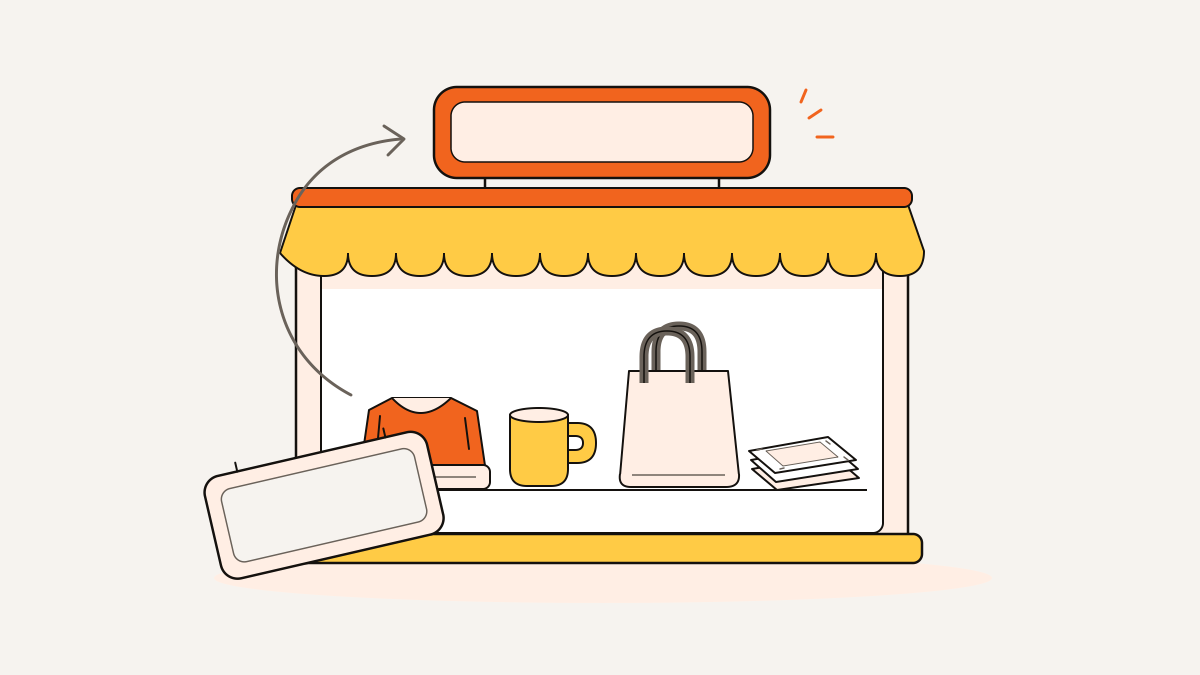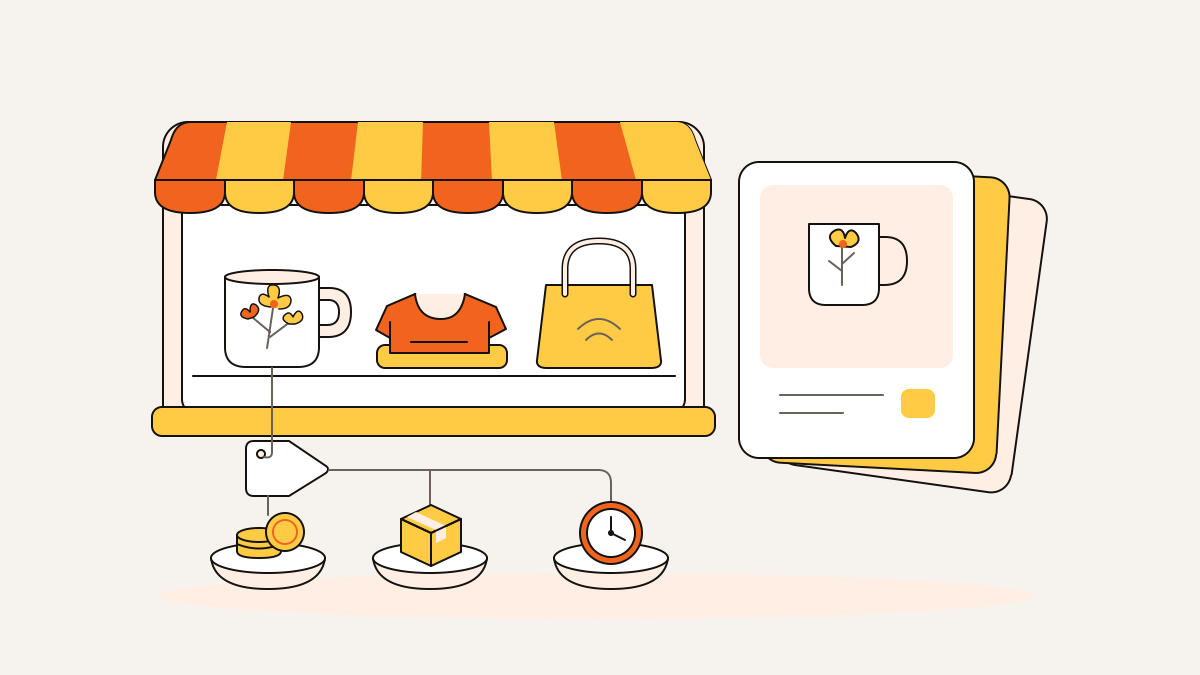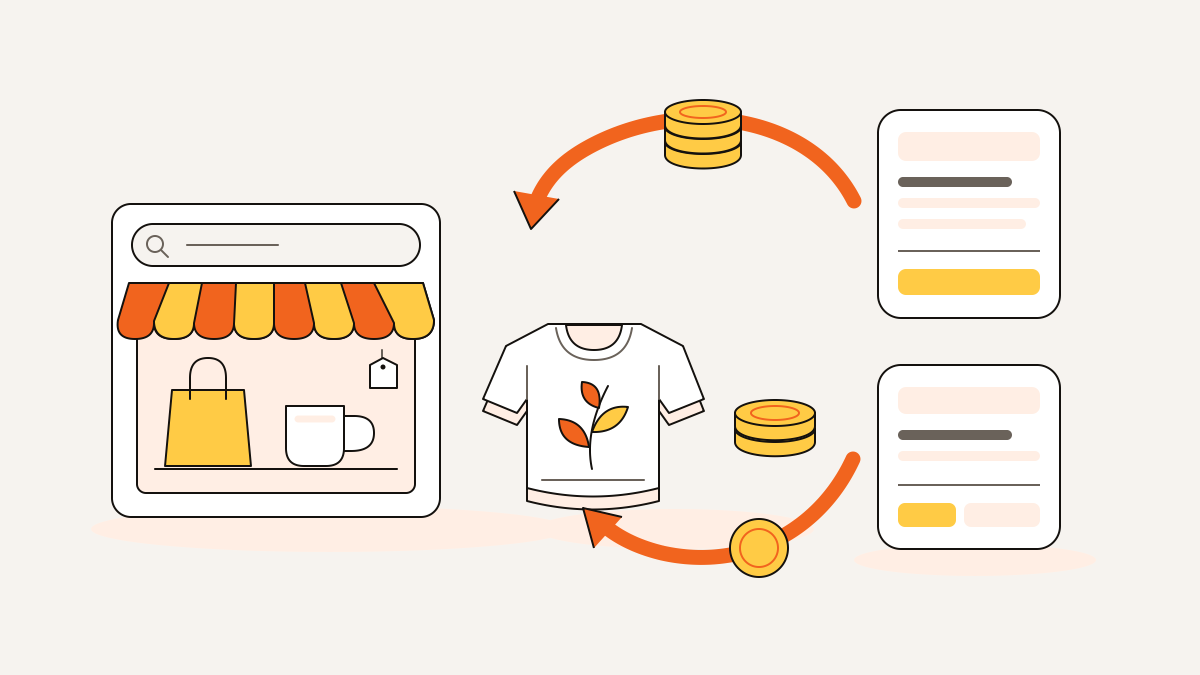
To refund an Etsy order, go to Shop Manager and find the order under Orders. Open its three-dot menu and choose Refund. You can refund the full amount or enter a partial amount to return less. Then review and submit.
Before using your own money, check whether Etsy Purchase Protection can cover the refund. A refund returns money; canceling ends the order. They’re separate actions, so decide whether you need both.
What you do next depends on what went wrong with your product. That includes print-on-demand items, which are printed when ordered, and digital downloads. Check what the refund leaves in your Payment account, where Etsy tracks your shop’s money. You’ll also need to check which supplier costs you still owe.
Check whether Etsy can cover the refund
Etsy Purchase Protection can let you keep your payment while Etsy refunds the buyer. Before paying for a refund yourself, compare the order with Etsy’s current seller Purchase Protection eligibility requirements. Review the buyer’s eligibility requirements there, too.
The program can cover missing packages and late arrivals that meet its rules. Seller coverage for damaged items is limited to the first instance per calendar year. For a description dispute, seller coverage applies when the item actually matches the listing. Compare the buyer’s complaint with your listing description and photos.
Protection covers up to $250 of a refund, or the converted equivalent in your local currency. Your shop pays any remaining amount. When protection applies, Etsy says you don’t need to issue the refund yourself.
The buyer must first send a Help request for the order. They must wait at least 48 hours before the case option becomes available and meet Etsy’s other case eligibility requirements. Guest buyers must claim the order in an Etsy account. If the problem remains unresolved, the buyer can open a case to ask Etsy to review it.
Reply in the case with the order details and documents Etsy requests. Etsy decides whether the buyer gets a refund and whether Etsy pays for it.
How to issue a full or partial refund on Etsy
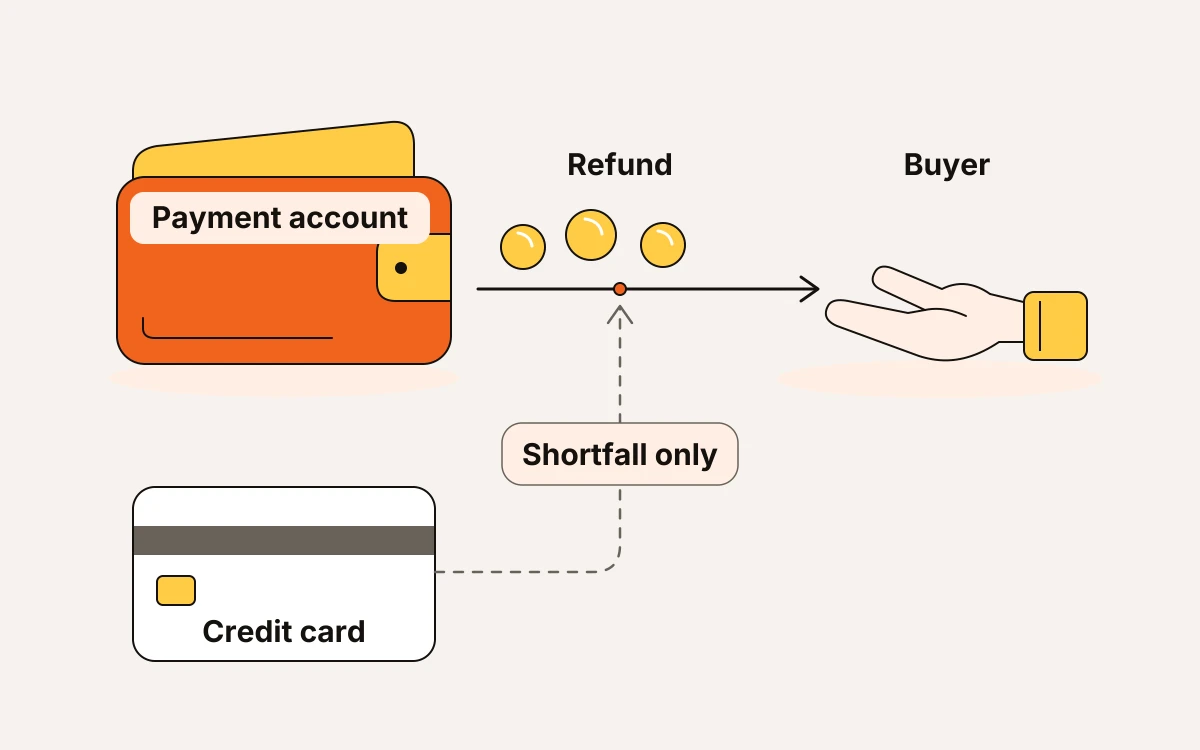
For an Etsy Payments order, the refund comes from your Payment account. If that balance doesn’t cover it, Etsy charges the shortfall to your credit card on file.
Etsy publishes the current refund instructions in its Help Center:
- On Etsy.com, go to Shop Manager → Orders and find the order. The refund option is under its three-dot icon: choose Refund.
- Select a refund reason, with an optional message explaining what you’re refunding.
- For the whole order, choose Issue a full refund. For a partial refund, enter the Amount to refund next to the item.
- Select Review refund to check the order and amount before choosing Submit. Take particular care with the amount when you’re returning only part of the payment.
If the buyer paid through a method other than Etsy Payments, issue the refund through that payment method instead.
Etsy may let the buyer choose between Etsy credit and their original payment method. The buyer decides where the refund goes; you can’t select or change that destination.
Check the problem before choosing a refund
Find out what went wrong before deciding how to fix it. A missing package, an unwanted shirt, and a file that won’t open need different next steps.
- Ask the buyer what happened through Etsy Messages and how they’d like it fixed. For damage, ask for photos. For delivery trouble, check tracking and the dates when the package was expected to arrive. Keep those details in the order’s message thread so you have a clear record of your agreement.
- For a change-of-mind request, such as an unwanted shirt, check the affected listing’s return policy before agreeing to a return or refund. Policies can differ between physical listings. Honor Etsy’s terms, applicable consumer law, and agreements you’ve already made in Messages. A no-returns policy does not settle damage or non-delivery disputes; use the Purchase Protection checks above for those problems.
- Agree on the return details before the buyer ships a physical item back. This includes who pays return shipping, what condition the item must be in, and the deadline for sending it back. Agree on the refund amount and when you’ll issue it, too. Your shop policy should clearly say who pays return shipping. That helps keep the shipping cost from becoming the next dispute.
- Try to fix digital purchase problems before settling on a refund. First, find out whether the buyer can’t get the download or the file itself won’t work. Help them access the download or send a corrected file, then agree on a solution in Messages. Etsy Help publishes the current rule: digital listings can’t have return or exchange policies. You can still resolve problems with individual purchases.
Say you sell a POD shirt and overcharge shipping
Say you sell a botanical shirt and discover that shipping was charged twice. Refund only the duplicate shipping charge. The buyer keeps the shirt, and the rest of the sale stays intact.
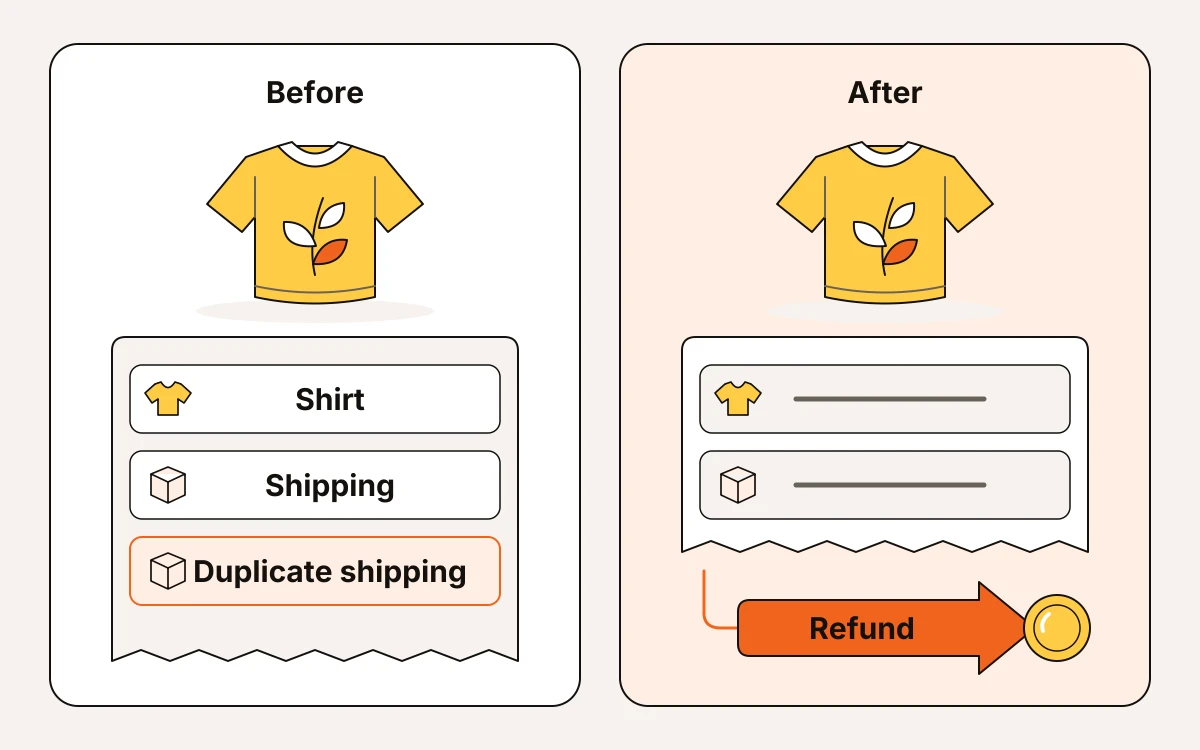
For this example, the botanical shirt costs $24, and shipping was charged at $10 instead of $5. The buyer paid $34. Refund the $5 shipping difference, leaving $29 before fees and supplier costs. Review that amount before you submit it. In Etsy Messages, keep the explanation simple: “You were charged shipping twice. I’ve refunded the extra shipping charge; your shirt order is still going ahead.”
Use eMarketInsight’s free Etsy fee calculator to review the original sale’s costs. Include the charge from your print-on-demand supplier, which prints the shirt when it’s ordered. This gives you a starting picture of what the sale cost you. You’ll need to check any fee credits separately: these are fees Etsy returns after a refund.
Afterward, check that the refund and actual fee credits each match your Payment account records. For the botanical shirt example, assume the supplier charges $16 for production and shipping. Subtract that from the remaining $29 to leave $13 before Etsy fees. Then subtract the actual net Etsy fees in your Payment account: fees charged minus fee credits. If those records showed $3 in net fees, you’d retain $29 − $16 − $3 = $10. These are example inputs, not supplier prices or Etsy fee rates. Use your own recorded amounts. Keep the supplier’s production and shipping charges in your order records, too. Refunding the buyer doesn’t automatically pay you back for those costs.
Refunding does not cancel the order or erase every cost
A refund doesn’t cancel the order or change its fulfillment status. If you’re still fulfilling it, complete it normally; if you’re ending the sale, cancel it separately.
For the shirt’s shipping overcharge, keep the order active because you’re still filling it. If you’re ending the order instead, cancel it separately. Cancellation sends a full refund automatically if you haven’t already issued a refund.
Etsy’s current refund guidance explains which fees Etsy returns:
- Transaction and processing fees: These are fees for the sale and handling the payment. When you refund through Shop Manager, Etsy automatically returns the fees tied to the refunded amount. That money goes to your Payment account.
- Listing fees: These are the fees for putting the item up for sale. Canceling the refunded order also automatically returns the listing fees.
Your print-on-demand supplier, the company that prints your shirt, needs a separate request. If production needs to stop, ask the supplier to cancel it. Canceling on Etsy won’t handle that step.
For a defective print, ask the supplier to pay you back. Include the order details and buyer’s photos with your request. Track that request separately so you know whether you’ve actually recovered the supplier charge.
If the refund button is unavailable
Check whether the payment is still processing or the deadline for a refund has passed. A chargeback, where the buyer disputes a payment with their bank, also affects your next step. The payment method matters too: UPI has its own refund period.
- If payment is still processing, wait until it finishes. Under Etsy’s current refund rules, you can refund an Etsy Payments order only after processing finishes. You must also issue the refund before 180 days have passed from processing.
- For a UPI payment, short for Unified Payments Interface, the refund period is 60 days from the original payment. Use that payment date to check whether you can still issue a refund.
- If the buyer filed a chargeback, they’ve disputed the payment with their bank or other financial institution. Follow that institution’s steps for settling the dispute. The buyer must work directly with it to resolve the issue.
- If the refund deadline has passed, check whether your shop policy allows a later refund. If it does, you can send the refund outside Etsy through a method such as PayPal. Etsy won’t return your seller fees for that refund. Include those costs when you check the order’s payments and expenses.
Make your refund process easier this week
Clear listing policies and a refund log help you track what you’ve promised buyers. They also show what you still owe, so there’s less room for confusion.
- Check that each listing for a physical item has the right return policy. You can use one policy for all physical listings or set different policies by item. Etsy Help publishes the current requirements.
- Before publishing “no returns or refunds,” check the rules for selling to EU or UK buyers. Etsy requires you to follow local consumer protection regulations, which are laws that protect buyers.
- Create a refund log that records the order, agreed solution, amount, deadline, and completion date. This helps you track return agreements made through Etsy Messages or its case system, where buyers report order problems. Etsy requires you to honor those agreements.
- Fix one complaint that keeps coming up. If buyers often misunderstand shirt sizing, revise the size chart. For digital files, make clear which file formats are included. If buyers complain about a description, rewrite the confusing detail.
Frequently asked questions
How long does it take for Etsy to refund me?
Card refunds typically appear within 2–5 business days, according to the Etsy Help Centre, though the card provider may take longer. Credit cards outside the US usually take up to 30 days.
If your buyer asks about their refund, the confirmation email from [email protected] shows the refund method. Have them check that email first. For questions about the status of a refund that’s already been issued, send them to Etsy Support.