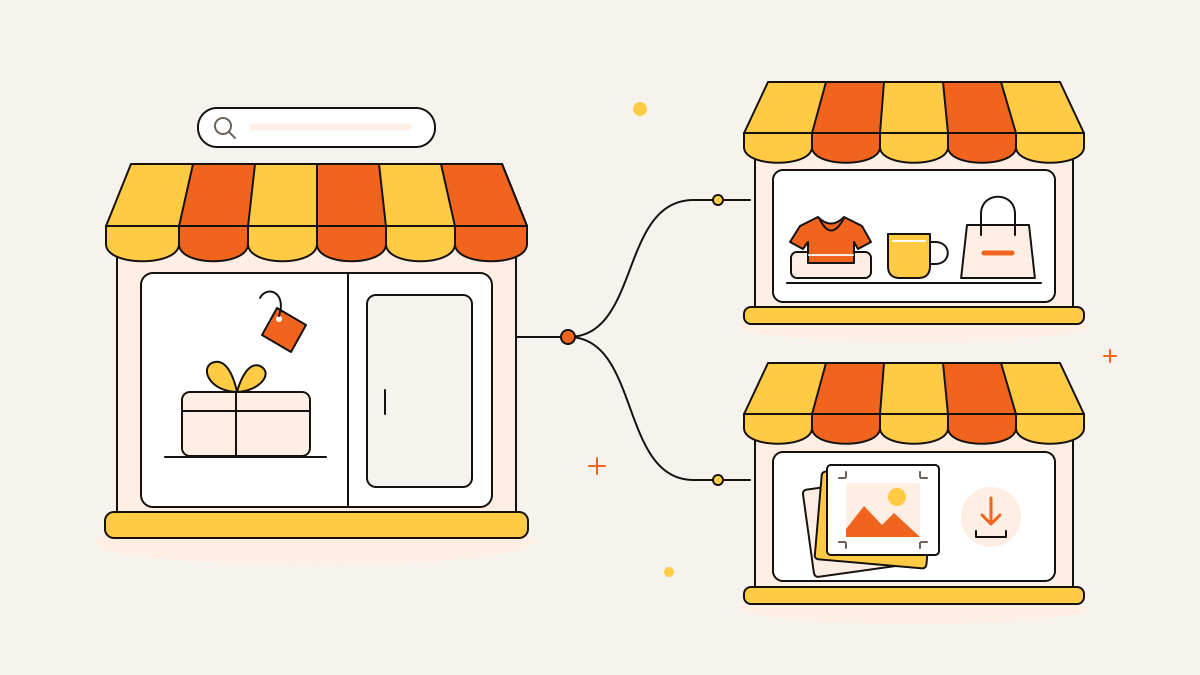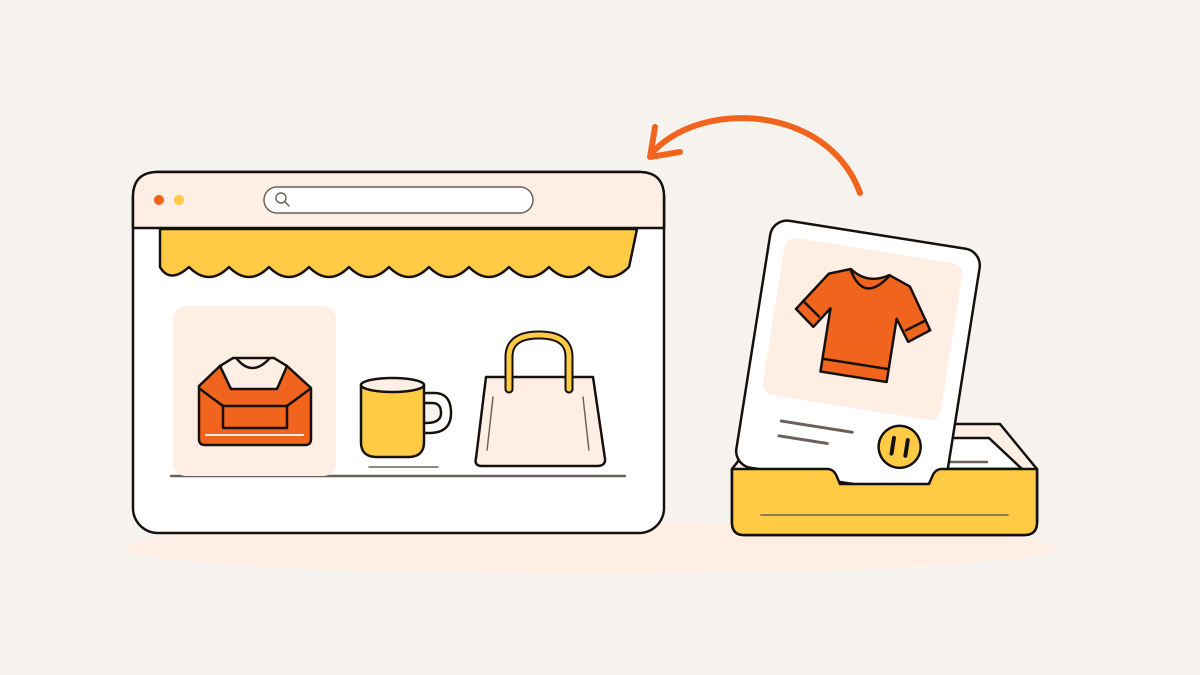
Etsy advertising gives you two main routes: Etsy Ads charges for clicks inside Etsy, while Offsite Ads charges a fee when an external ad leads to a sale. Start with listings that already attract buyers and have enough profit left to cover advertising costs. Keep the rest of your shop out of the test.
The mug example below shows how to choose a listing, calculate what you can afford, and set a stopping point. You can copy the calculations using your own order costs.
What Etsy advertising costs and where your listings appear
With Etsy Ads, you pay for each ad click even if the shopper doesn’t buy. With Offsite Ads, you pay a fee when an ad outside Etsy leads to a sale.
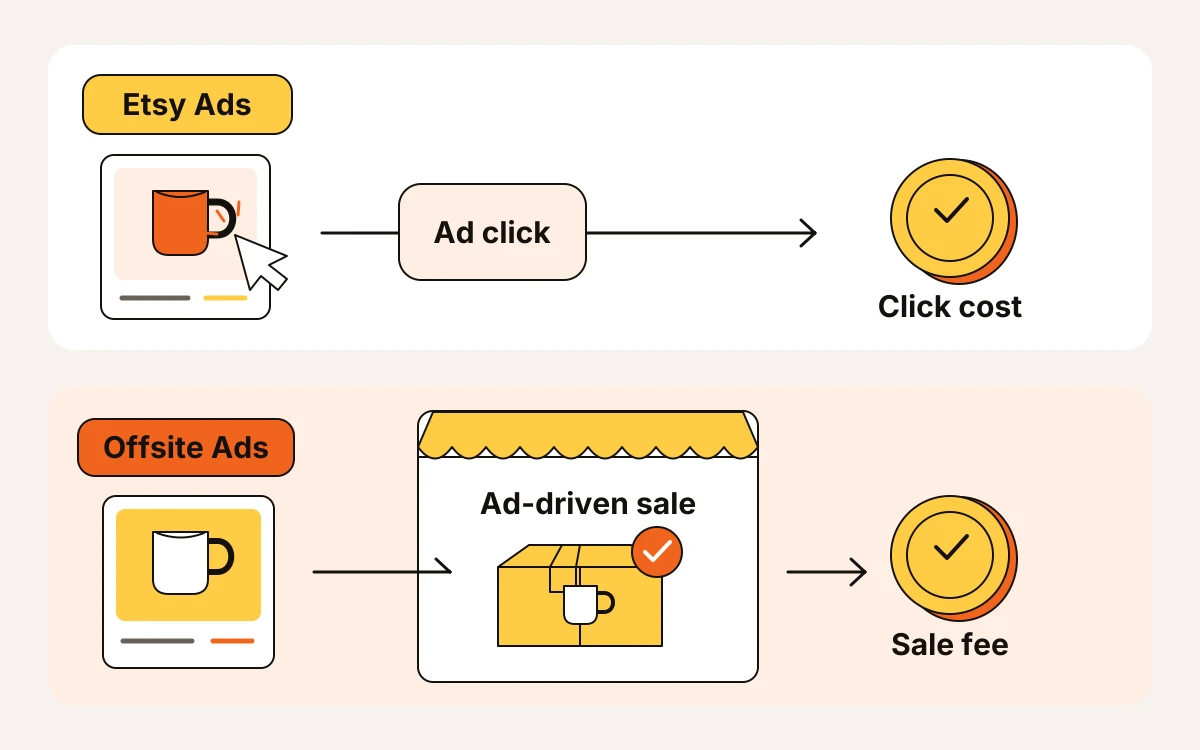
Your Etsy Ads can appear in Etsy search, Category pages, and Market Pages on Etsy.com and the Etsy app. Cost per click varies by listing and where it appears in search, so your budget doesn’t buy a fixed number of visitors.
New shops must wait 15 days before starting Etsy Ads. Etsy publishes this requirement in its current campaign rules. The minimum daily budget is $1, and you can change it at any time. That budget limits your spending; it doesn’t guarantee sales.
Your budget, charges, and controls work like this:
- Your daily budget caps spending. Actual ad spend is the cost of the clicks your ads receive, and ads stop showing when that day’s budget is spent.
- Etsy totals your click charges daily and adds them to your Payment account the next day.
- In Shop Manager, you choose which listings to advertise and set the daily budget. You don’t set keyword bids or demographic targeting.
Offsite Ads places products on search engines and other external platforms. Its participation settings are separate from your Etsy Ads campaign, so changing your Etsy Ads budget doesn’t change Offsite Ads participation. Your Etsy Ads daily cap also does not cap Offsite Ads fees.
Before testing, check your Offsite Ads settings for your applicable fee and participation rules. Include any Offsite Ads charge in that order’s costs, separately from your Etsy Ads click spending.
Choose what deserves an ad before choosing a budget
Advertise a listing when it can cover ad costs and gives buyers a clear reason to order. Wait if each sale leaves too little profit or the listing needs basic fixes.
- Start with your margin: the money left from an order before you pay for ads. To find it, subtract Etsy fees, production costs, seller-paid shipping, and other order costs from the order revenue. For digital downloads, include any costs you pay for each order. If there’s little left to pay for clicks, fix the price or costs before advertising.
- Next, favor listings that show signs of demand. Past orders are a stronger sign than favorites alone. If a listing gets clicks but no orders, check its photos, price, and expected delivery time. Those need attention before you pay for more visits. If a listing gets few visits, look at its search terms and product appeal before ruling it out.
- Then remove reasons a buyer might hesitate. A bright, clear first photo with little clutter helps buyers see what you’re selling. Clear product details help, too. Use relevant keywords, the words buyers search for, naturally in your title and description. For print-on-demand orders, your processing time should match how long your production partner needs to prepare the order. Etsy recommends improving listings before advertising. Ads are unlikely to turn a listing with little demand into a top seller.
Start with a modest daily budget and track what you actually spend and how many orders you get. Don’t spend more just to access strategy settings. Extra settings alone aren’t worth a larger bill.
Work through a mug shop’s advertise-or-wait decision
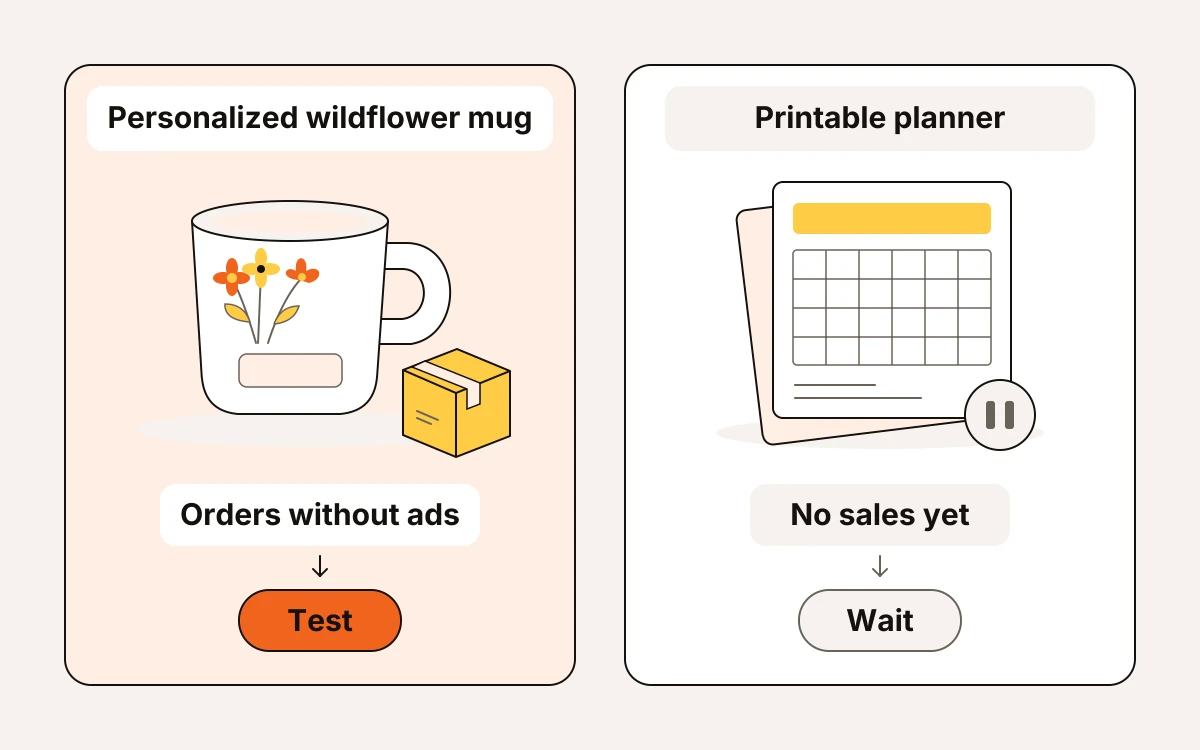
For this example, you sell personalized wildflower mugs and printable planners. Test the “Personalized Wildflower Mug with Name” listing: it already gets orders without ads. Leave the planner out because it hasn’t sold yet.
Calculate what the mug can afford
Start with eMarketInsight’s free Etsy fee calculator. Use your actual selling price and the fees that apply to your order. Then subtract your production partner’s print cost and shipping expense to see what’s left.
Here are illustrative estimates for one mug order, not Etsy’s published fee rates. The buyer pays $30 with shipping included. Printing costs $10, and shipping costs you $5. Allow an estimated $3 for listing, transaction, and payment-processing fees combined. Replace that allowance with your actual applicable charges, including any taxes or other fees.
For this Etsy Ads example, assume the order has no Offsite Ads charge and no other per-order costs. You want to keep $6 profit per mug.
Calculate each amount for a single order:
- Order revenue = item price after discounts + shipping charged to the buyer.
- Profit remaining before advertising = order revenue − Etsy fees − print cost − shipping expense − other per-order costs.
- Allowable acquisition cost, or what you can spend on ads to get one order = profit remaining before advertising − profit you want to keep.
The mug leaves $30 − $3 − $10 − $5 = $12 before advertising. Keeping $6 profit leaves $6 allowable acquisition cost: $12 − $6. That is what you can spend on ads per order while meeting your profit target.
Turn the margin into a stopping point
Return on ad spend (ROAS) compares the revenue counted as coming from ads with your ad spending. Your break-even ROAS is the point where advertising uses up all the profit left from the mug.
Break-even ROAS = order revenue ÷ profit remaining before advertising. For the mug, $30 ÷ $12 = 2.5. At that level, each advertising dollar brings in $2.50 in revenue, and advertising uses up the mug’s remaining profit.
Target ROAS = order revenue ÷ allowable acquisition cost. For the mug, $30 ÷ $6 = 5. That target leaves the planned $6 profit per order.
For this test, choose a $2 daily budget and a $20 total affordable loss limit. Plan a 30-day review, with up to $60 in click spending. Pause sooner if ad spending minus the $12 contribution from each attributed mug order reaches $20. With no orders, pause at $20 spent.
Suppose the review shows $48 spent and eight attributed mug orders. Revenue is 8 × $30 = $240. Acquisition cost is $48 ÷ 8 = $6, and ROAS is $240 ÷ $48 = 5. Profit after advertising is (8 × $12) − $48 = $48, or $6 per order.
Continue at $2 a day: these sample results meet the profit target. Keep the $20 loss limit for the next test period rather than increasing spending immediately.
Set up a focused campaign and read the results
Use the mug’s $2 daily budget and $20 loss limit when setting up this example campaign.
Launch the selected listings
- Open Shop Manager → Marketing → Etsy Ads to set up your campaign.
- Set your daily budget within the mug shop’s agreed test allowance, then click Start Advertising.
- Review the advertised listings right away. Remove everything except the mug you chose for this test.
- Check where you ship the mug. Your ads should reach buyers in countries where you can fulfill orders.
Etsy’s current campaign guide says all current listings are advertised by default. Ads appear only to buyers in countries you ship to. That guide also has Etsy’s current setup instructions.
Read traffic, orders, and profit separately
Use the same date range for each calculation. “Attributed orders” are orders Etsy credits to your ads. “Attributed revenue” is the money from those orders.
| Measure | Plain meaning |
|---|---|
| Click-through rate (CTR) | Ad clicks divided by impressions, or times your ad was shown. This tells you how often someone who sees an ad clicks it. |
| Conversion rate | Attributed orders divided by ad clicks. This tells you how often a click leads to an order. |
| Acquisition cost | Actual ad spend divided by attributed orders. This is your advertising cost per order. |
| Return on ad spend (ROAS) | Attributed revenue divided by actual ad spend. This is revenue per advertising dollar spent. |
If there are no attributed orders, you can’t calculate a usable acquisition cost yet. Track how much you’ve spent instead.
Compare the mug’s acquisition cost with its $6 allowance. If it rises above $6, review the listing’s price, costs, and order rate before increasing spending.
Etsy recommends running a listing strategy for at least 30 days before judging the results and making changes. That gives you a stable test period, though it doesn’t guarantee profit. Leave the campaign alone rather than tinkering daily, but pause when you reach your affordable loss limit. If a listing keeps using up that allowance without orders, remove it from the campaign.
Your advertising checklist for this week
Keep a dated ad tracking sheet. It lets you see what changed, what it cost, and when to review it.
- Record your starting point: the campaign start date, advertised listings, and daily budget. Add the most you can afford to lose over the whole test. Keep daily budget and actual ad spend in separate columns.
- Schedule a budget check on your calendar. At that check, add up spending and compare your total loss so far with your limit. Save campaign changes for the later review.
- Book a later review of each listing, using the review period above. For each listing, record ad spend and attributed orders: orders credited to your ads. Also record revenue, the money from sales, and the profit left after ad costs.
- Log every change with its date, setting, and reason. Small budget changes make comparisons easier than big swings.
- Keep organic marketing, or unpaid promotion, on the calendar while the test runs. It gives buyers another route to your shop, so you aren’t relying entirely on paid clicks.