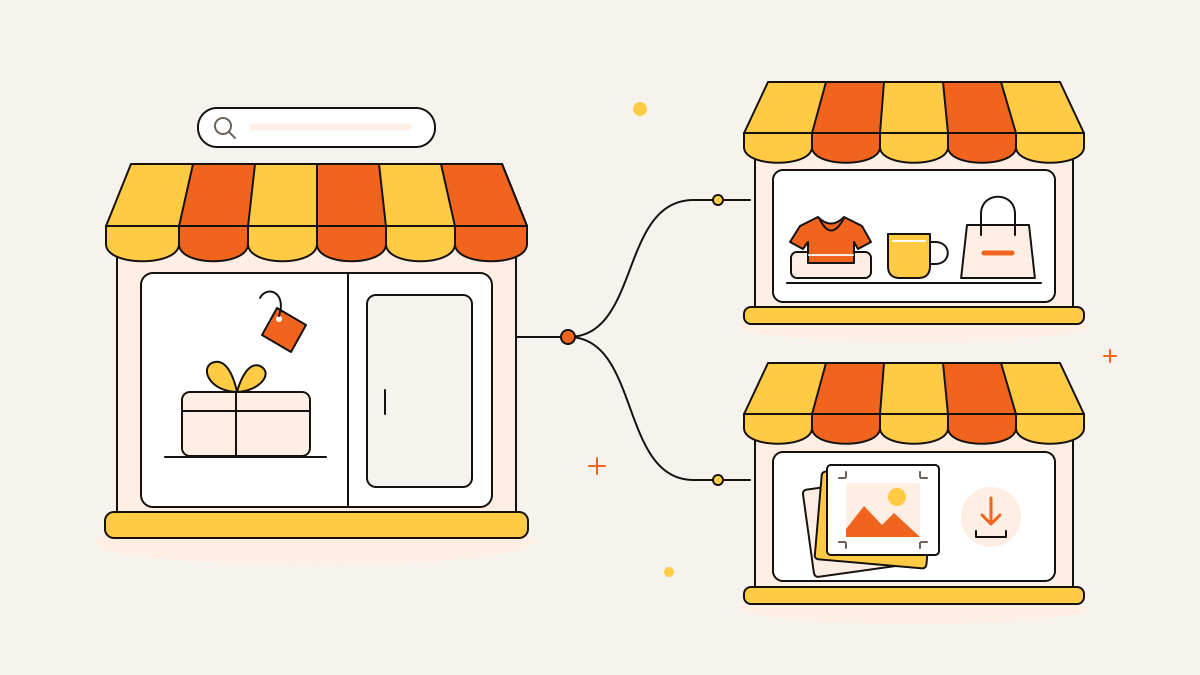
No—you don’t need to deactivate an Etsy listing just because stock is running low. Keep it active while you can fill orders. If you can’t deliver what you’ve promised, deactivate it before another sale comes in.
For print on demand (POD), your supplier needs to have the item available to print. The quantity on your listing doesn’t tell you what’s in the supplier’s warehouse. For digital downloads, the file needs to be ready to deliver.
What happens when you deactivate instead of selling out?
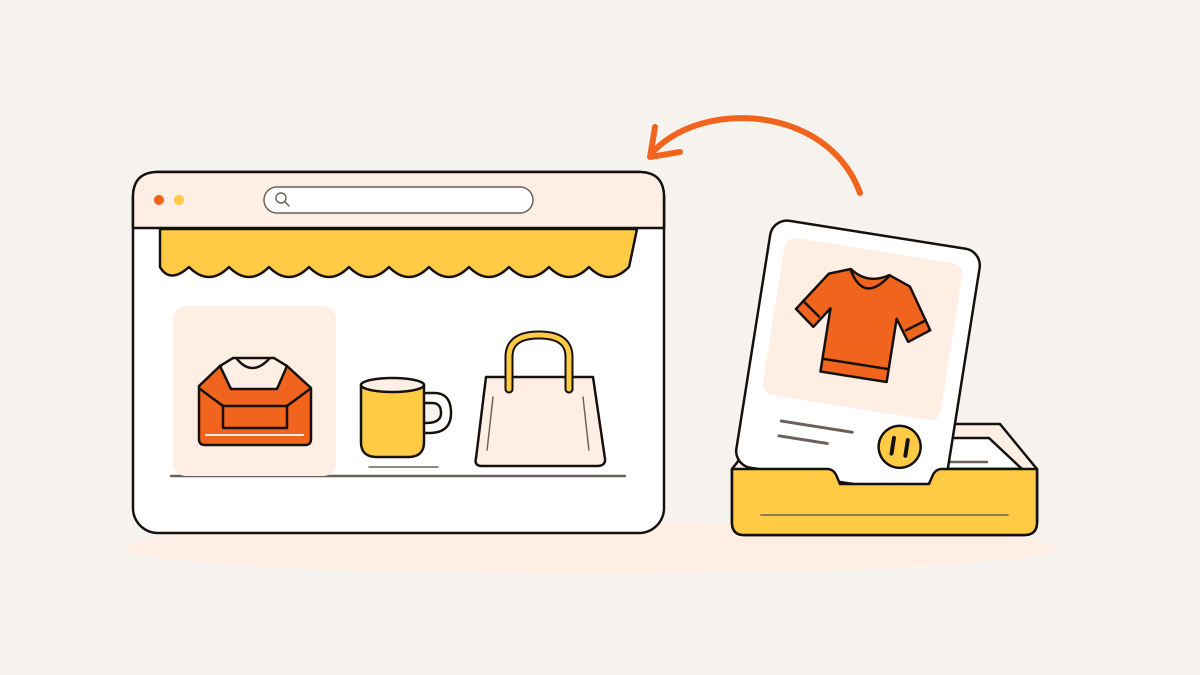
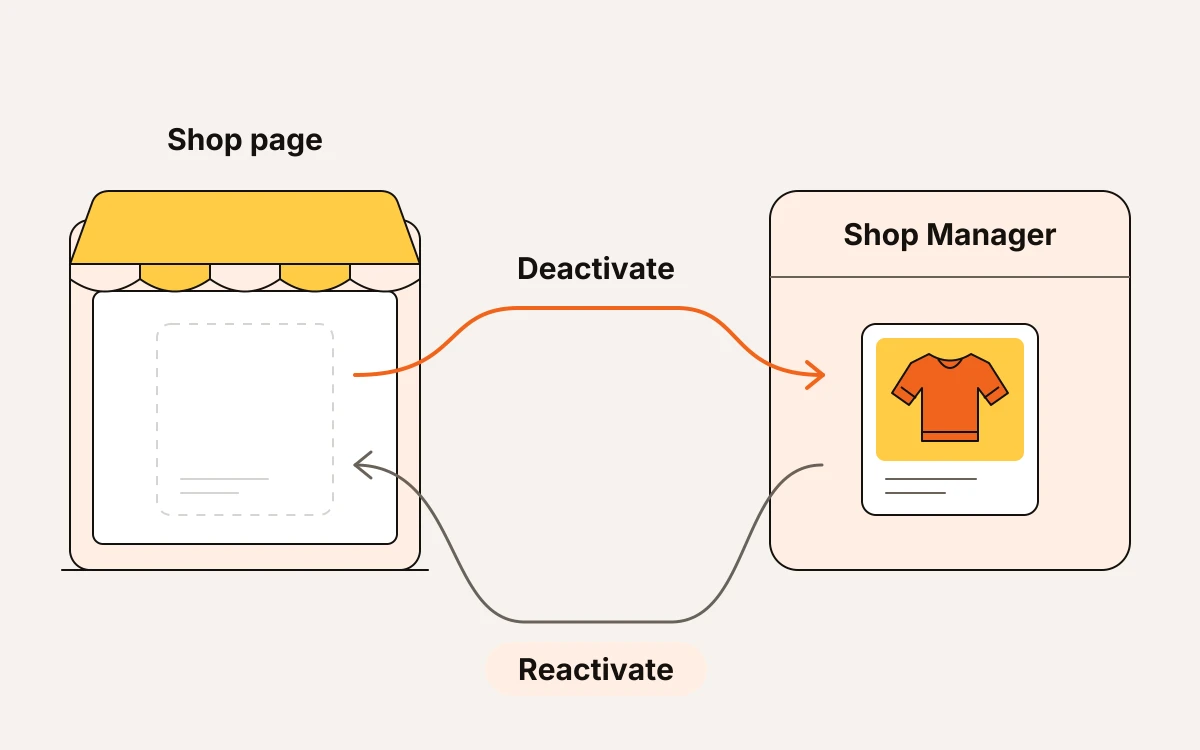
Deactivating a listing pauses new purchases and removes it from your shop page. It stays in Shop Manager, where you manage your shop, so you can turn it back on later.
These options stop sales for different reasons:
- Deactivate: You pause purchases yourself. The listing keeps its past sales history, favorites, and stats.
- Sold out: Buyers have bought all the items you made available. Deactivating a listing doesn’t make it sold out.
- Delete: You remove the listing for good. If you plan to offer the item again, deactivate it instead.
Etsy publishes the current instructions in its Help Center. These cover how to pause a listing, turn it back on, or delete it.
Old links don’t disappear when you deactivate. Buyers can still follow a link from a review or social media post. They’ll see a message saying the item is unavailable, along with suggestions for similar products. They can’t buy from that listing.
You still need to fill existing orders. Pausing or deleting the listing doesn’t cancel those orders or fix a delivery problem. Before you make the change, check your open orders separately from whether the listing is active.
Check fulfillment before deciding whether to pause
Lower your listing quantity when stock is limited, and remove options you can’t supply. Pause a product if you can’t deliver it at a profit.
- Physical stock: Count the items you can sell and set your listing quantity to match. Your processing time is the time you need to get an order ready to ship. If you can meet it, keep selling the remaining stock and let the listing sell out.
- Print on demand: Check whether your supplier has each size and color you offer. Turn off unavailable variations, the size and color choices shoppers can select. That lets shoppers buy the options you can still deliver. If none can be delivered within your processing time, pause the listing.
- Digital downloads: Keep complete downloads active if the attached files open correctly and match the description. If files are broken or unfinished, keep the listing paused until the download is ready.
- Unworkable margins or production: Stop selling a product if print cost, shipping, or fees leave too little profit. Do the same if repeated problems making or delivering orders make sales too hard to manage, even if it’s selling.
- Slow sales: Check Etsy Stats, where you can see listing visits, before removing the listing. With few visits, start by checking how shoppers find it. If shoppers click but don’t buy, review the photos and total price first. Then check delivery expectations and the description before deciding to stop selling it.
For today’s check, compare each listing you’re unsure about with its stock count, supplier options, attached files, or actual order costs. Fix the specific problem rather than deleting a listing simply because it hasn’t sold.
A POD sweatshirt you should pause before another order
If your print-on-demand (POD) supplier runs out of every option you offer, deactivate the listing. That stops new orders from coming in. Say you sell… a Wildflower Botanical Sweatshirt: pause it now so you don’t take an order you can’t fill.
Before you turn the listing back on, work through these checks:
- Order a sample from a supplier with stock to check the replacement’s quality. Compare its fit, fabric, and printed design with your listing photos and description.
- Use eMarketInsight’s free POD profit calculator to check what you’ll keep at your current selling price. Include the replacement’s print and shipping costs, along with Etsy fees. If the profit left over doesn’t work for you, adjust the price before reopening.
- Confirm how long the replacement supplier needs to make the sweatshirt. Then update your processing time to match what you can deliver.
Turn the listing back on only when all three checks pass and every offered option is available. If the replacement sweatshirt differs, update your photos, sizing details, and variation options, such as sizes and colors.
Pausing doesn't stop the listing's expiration clock
Pausing a listing stops new purchases, but its expiration date stays the same. Check that date before you plan to restart.
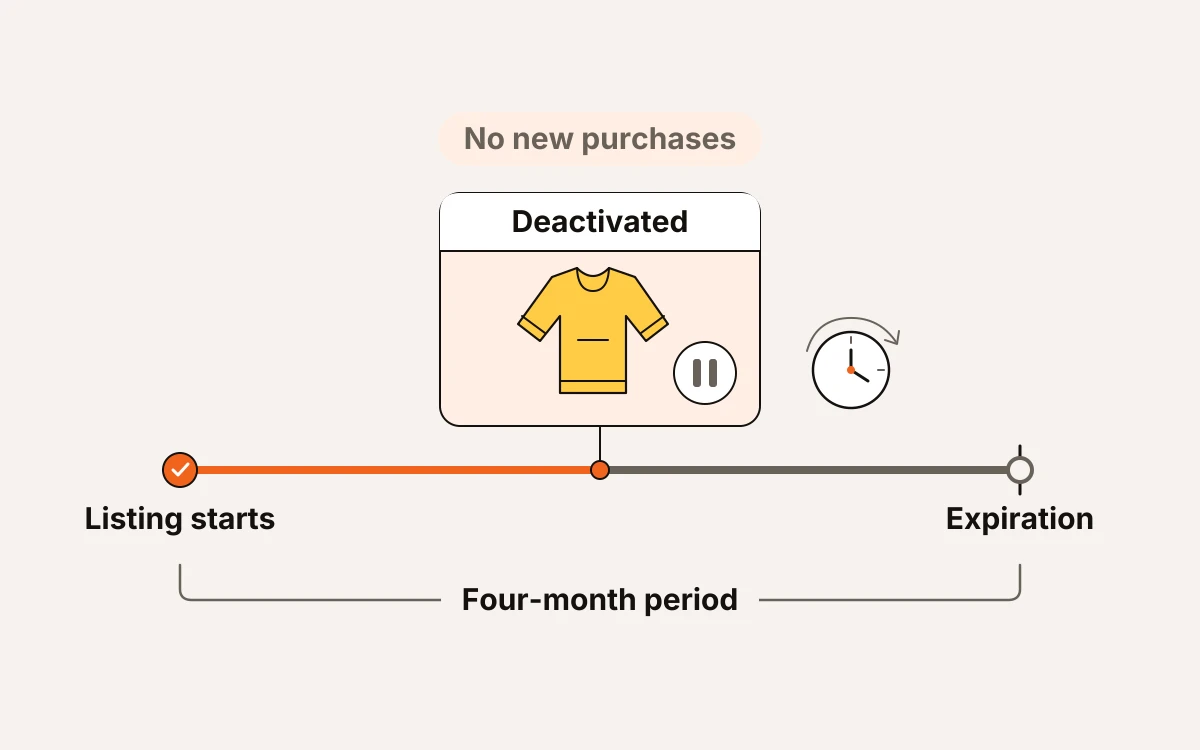
- Deactivation doesn’t pause the four-month listing period.
- If your listing expires while inactive, you’ll need to renew it for $0.20 USD before you can reactivate it.
- Reactivating an unexpired listing is free.
For the rest of your selling costs, see eMarketInsight’s Etsy fee guide.
Make the change in your shop this week
- [ ] List the listings you need to change and what you’ll do with each. Note what must be ready before each goes live again.
- [ ] To pause those listings, open Shop Manager → Listings. Tick their boxes, then click Deactivate to take them off sale.
- [ ] Set a reminder for your supplier’s next update on what’s available. For a digital file you’re fixing, use the date it will be ready.
- [ ] When you’re ready to put the listings back on sale, go to the Listings page. Choose Listing status → Inactive to find paused listings. Tick their boxes, then click Activate.
When the reminder comes up, check that everything you noted is ready. Then you can make the listing available again.